See exactly which reviews are displayed to users on their mobile phone
View which reviews are displayed on your app's store landing page
Written By Abbin Mathew
Last updated 3 months ago
In the Reviews and Ratings tab, under the Phone View section. You can view exactly which reviews are displayed to users on their devices when visiting your app's store landing page.
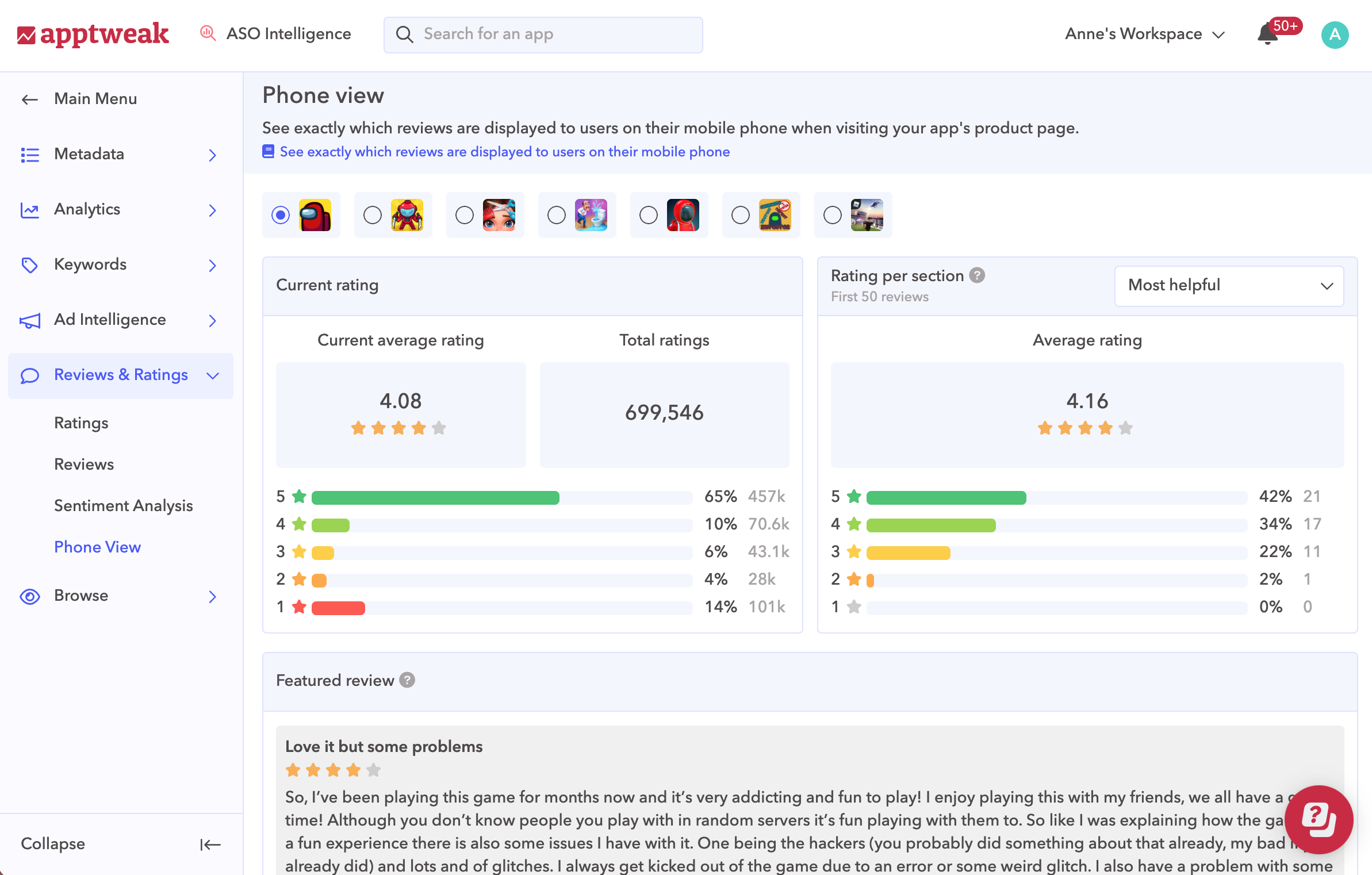
In this view, you can see your current average rating in the store, the average rating of each sub-section (based on the 50 first reviews), and the featured reviews on your app page (reviews that are directly visible on your app page).
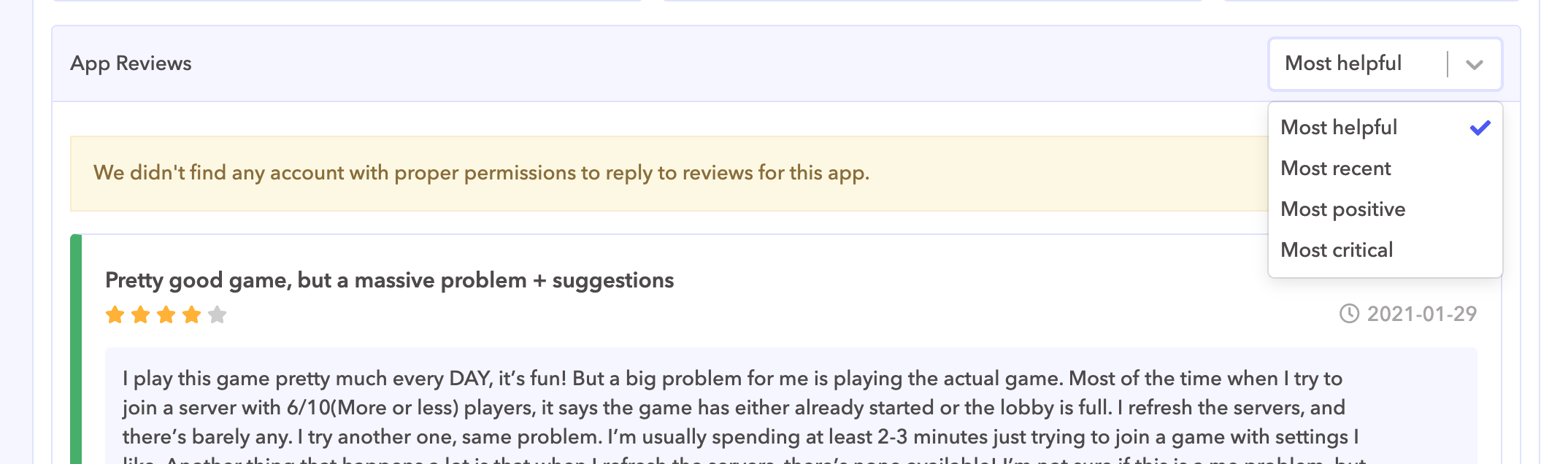
You can also filter these reviews by:
Most helpful
Most recent
Most positive
Most critical (only on iOS)
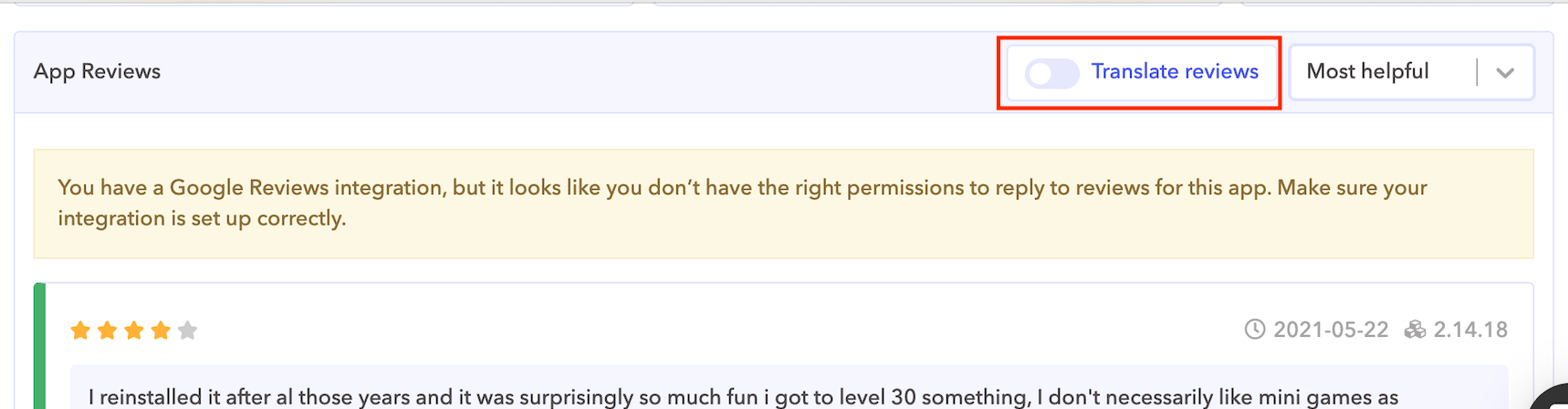
If you are not on an app with the English language, you have the option to translate your reviews:
What's Next?
Was this helpful?
Still need help? Share an idea