Save and share CPP inspiration
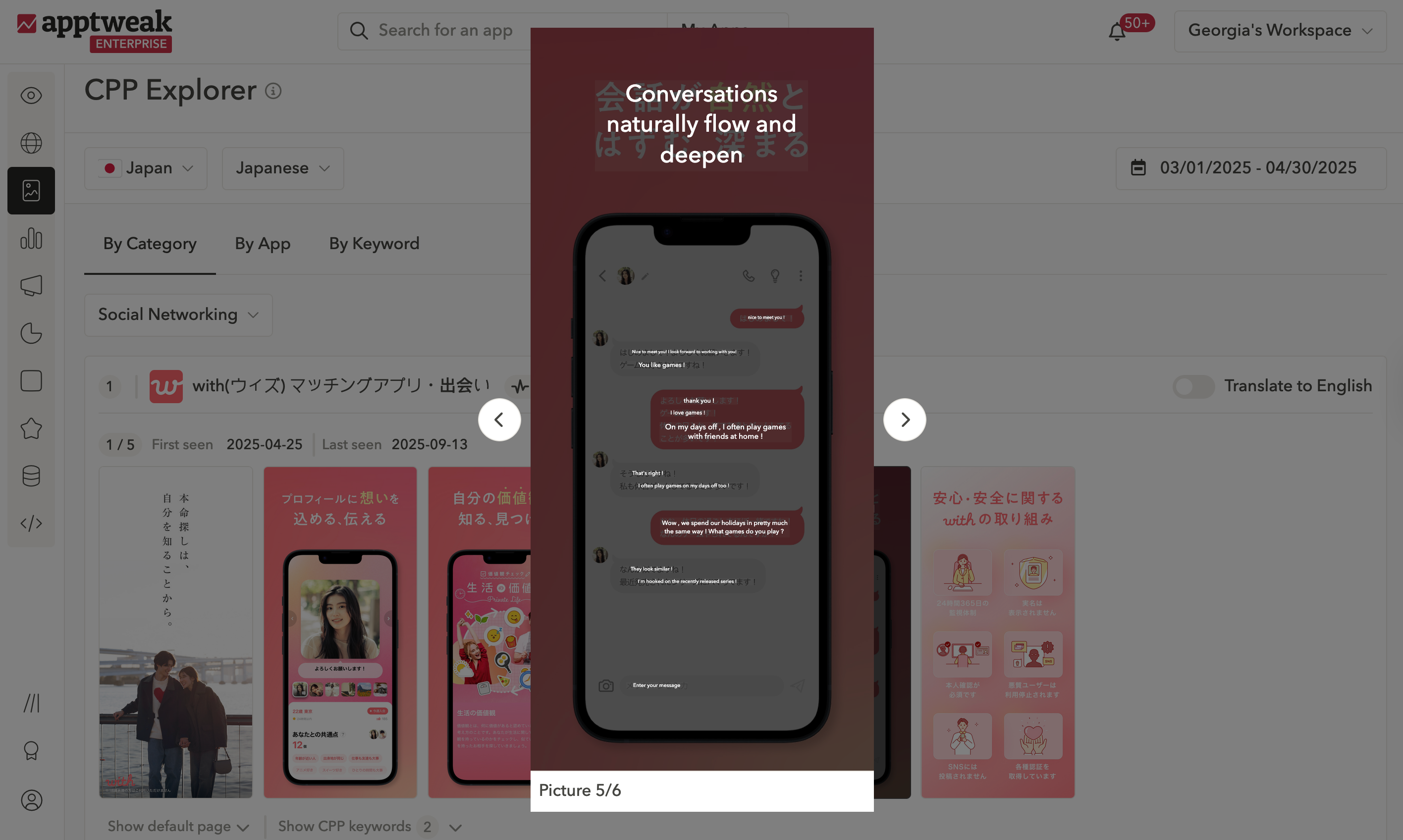
Better understand how competitors localize their custom product pages (CPP) and easily share this research with your team.
With CPP Explorer, now instantly translate custom product page screenshots and save the best inspiration to moodboards. Here’s how it works:
- Open any CPP in Creative Explorer
- Click “Translate” to view translated text directly on the screenshots
- Click "Save to Moodboard" to save the CPP, where you can then export and share with your team via PDF.
This update builds on the existing save-and-share features for default screenshots, but now extends them to CPPs (as well as CSLs) with translation support.
Useful links: